Storage Model
Vedana uses four stores, each with its own area of responsibility.
| Store | Responsibility |
|---|---|
| Postgres | JIMS (threads, events), Datapipe (data model, intermediate tables), pgvector (embeddings) — all in one DB. |
| Memgraph | The knowledge graph (anchors, links) and text indices. |
| pgvector | Embeddings of embeddable attributes on nodes and edges. |
| Grist | The data model and the actual domain data — the source of truth that humans edit. |
By default JIMS and Datapipe write into the same Postgres database (JIMS_DB_CONN_URI and DB_CONN_URI point to the same server). If you need isolation, the databases can be split.
Postgres / JIMS
JIMS tables are defined in jims_core.db:
class ThreadDB(Base):
    __tablename__ = "threads"
    thread_id: UUID    # PK
    contact_id: str    # indexed
    external_id: str   # nullable, indexed — id of the conversation in an external system
                       # (Chatwoot conversation id, CRM ticket id, …)
    created_at: datetime
    thread_config: JSONB

class ThreadEventDB(Base):
    __tablename__ = "thread_events"
    thread_id: UUID  # PK
    event_id: UUID   # PK
    created_at: datetime  # server_default=now()
    event_type: str       # "comm.user_message", "rag.query_processed", ...
    event_domain: str     # nullable; not populated by ThreadController
    event_name: str       # nullable; not populated by ThreadController
    event_data: JSON      # Postgres JSON (not JSONB)
Notes:
event_datais stored as PostgresJSON(with a SQLiteJSONvariant for tests). Seejims_core/db.py:46.event_domain/event_nameexist in the schema but are not written today — onlyevent_typeis populated.external_idis used byThreadController.new_thread_via_external_idfor idempotent thread lookup from integrations (Chatwoot, etc.). Indexed but non-unique. Added by migration2026_04_10_1200-17f7b4956ca5_jims_add_external_id.created_atis set by the server.- One thread = one chain of events ordered by
created_at.
ThreadController.make_context() reads every thread_events row for a thread, filters comm.* into history, and the rest goes into events.
Postgres / Datapipe
ETL stores its tables in Postgres too. See the full list in Vedana ETL. In short:
dm_*— the data model (anchors, links, attributes, queries, prompts, lifecycle).grist_nodes,grist_edges— raw data from Grist.nodes,edges— normalised data before loading into Memgraph.memgraph_anchor_indexes,memgraph_link_indexes— bookkeeping of which indexes have been created.eval_gds— the golden dataset for evaluation.
Datapipe uses these tables for incremental processing: only rows whose key or input changed are recomputed.
Postgres / pgvector
The pgvector extension adds a vector type and cosine/euclidean/inner-product operators.
Tables:
CREATE TABLE rag_anchor_embeddings (
    node_id        text NOT NULL,
    node_type      text NOT NULL,
    attribute_name text NOT NULL,
    attribute_value text,
    embedding      vector(1024) NOT NULL,
    PRIMARY KEY (node_id, node_type, attribute_name)
);

CREATE TABLE rag_edge_embeddings (
    from_node_id   text NOT NULL,
    to_node_id     text NOT NULL,
    edge_label     text NOT NULL,
    attribute_name text NOT NULL,
    attribute_value text,
    embedding      vector(1024) NOT NULL,
    PRIMARY KEY (from_node_id, to_node_id, edge_label, attribute_name)
);
The dimension 1024 is a parameter (EMBEDDINGS_DIM). Changing it requires a SQL migration.
PGVectorStore.vector_search builds queries like:
SELECT (1 - embedding <=> :query_emb) AS similarity, ...
FROM rag_anchor_embeddings
JOIN nodes ON ...
WHERE node_type = :label AND attribute_name = :prop_name AND similarity > :threshold
ORDER BY embedding <=> :query_emb
LIMIT :top_n;
<=>is pgvector’s cosine distance operator;1 - distancegives the similarity.
Extension management: see CREATE_PGVECTOR_EXTENSION.
Memgraph
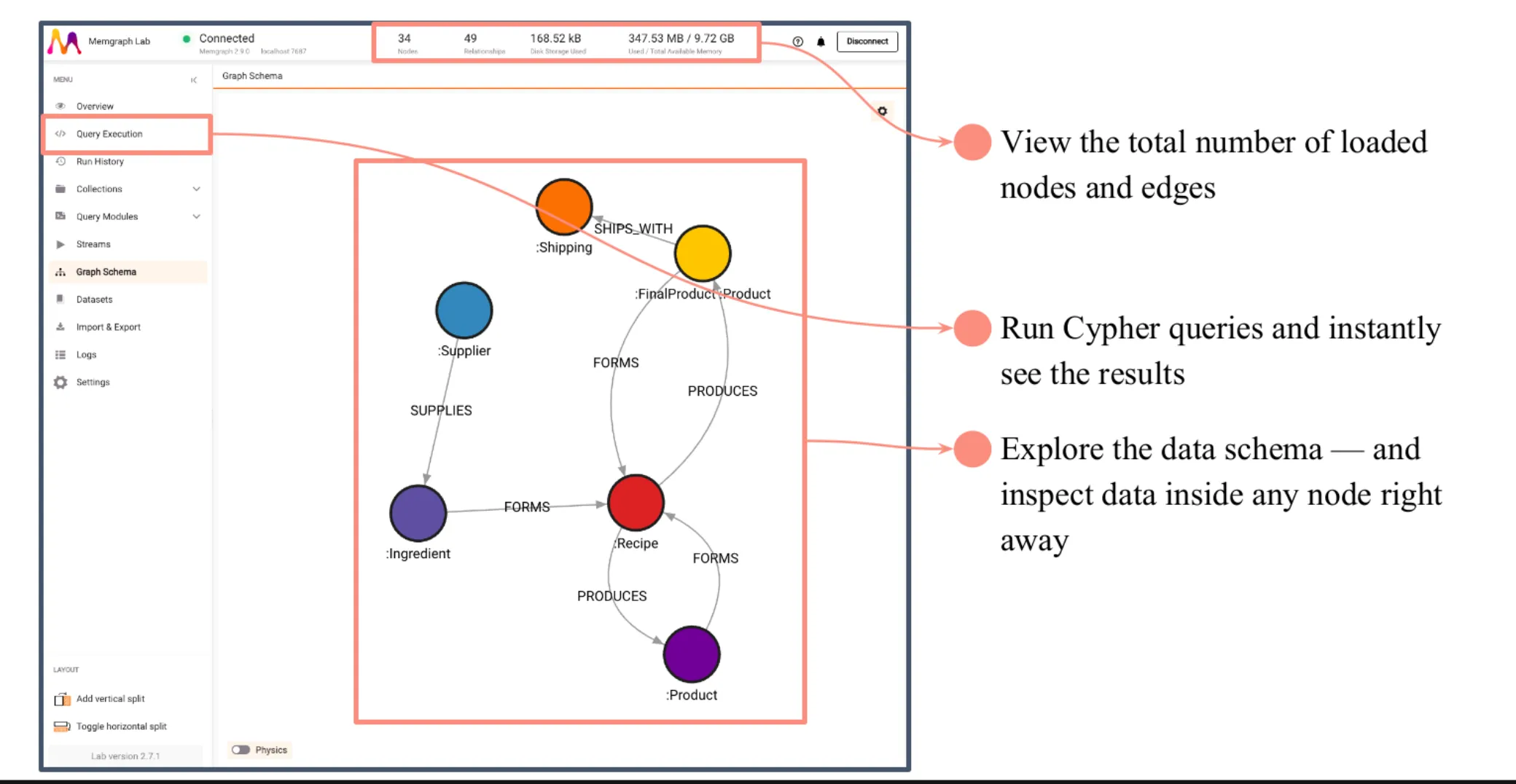
Memgraph is a graph database compatible with Neo4j’s Bolt protocol. Vedana uses:
- nodes with labels (label = anchor.noun) and properties (the node’s attributes);
- edges with a type (type = link.sentence) and properties;
- text indices (for full-text search via
text_search.search_all).
Creating nodes and edges:
MERGE (n:`Product` {id: $id}) SET n = {id: $id, name: $name, price: $price, ...} RETURN n

MATCH (nf {id: $from_id}), (nt {id: $to_id})
CREATE (nf)-[r:`PRODUCT_belongs_to_CATEGORY` {since: $since}]->(nt) RETURN r
In Vedana this is done by Datapipe (pass_df_to_memgraph via Neo4JStore).
Read-only Cypher is executed with RoutingControl.READ so you can split read/write replicas if your cluster is configured that way.
Storage mode
In docker-compose Memgraph runs with --storage-mode=IN_MEMORY_ANALYTICAL. This gives high read performance because all data lives in RAM. For large datasets or strict durability requirements, switch to IN_MEMORY_TRANSACTIONAL or ON_DISK_TRANSACTIONAL.
Grist
Grist is an open-source spreadsheet+database. By default it’s used as the human-friendly entry point:
- the Data Model doc (
GRIST_DATA_MODEL_DOC_ID) — Anchors, Links, Anchor_attributes, Link_attributes, Queries, Prompts, ConversationLifecycle; - the Data doc (
GRIST_DATA_DOC_ID) — domain tables; - the Test Set doc (
GRIST_TEST_SET_DOC_ID) — the golden dataset.
Reading is done through vedana_core.data_provider.GristCsvDataProvider (Grist’s CSV API) or GristAPIDataProvider.
You can use managed Grist (https://api.getgrist.com) or self-host (gristlabs/grist).
Migrations
Alembic migrations responsible for the JIMS / Datapipe / pgvector schemas live in apps/vedana/migrations/. To run:
cd apps/vedana
uv run alembic upgrade head
In docker-compose this is done by a separate db-migrate service, which waits for db to be healthy and applies migrations before the main app starts.
Backups and restore
⚠️ Vedana does not ship backup/restore scripts. The repo’s
docker-compose.ymlcarries a TODOadd complete snapshots for SQL and Cypherl (db / memgraph); until that lands, backups are entirely the operator’s responsibility. Everything below is a recommended scheme, not something Vedana performs automatically.
A recommended scheme for production:
- Postgres: pg_dump / managed snapshot (standard practice).
- Memgraph:
cypherldumps (SHOW SNAPSHOT/mgconsole --output-format cypherl) or built-in snapshot mechanisms (see Memgraph docs). - Grist: document export or managed backup (if Grist is managed).
- Restore: Postgres first (schema + dm_* + JIMS tables), then Memgraph, then re-run ETL to fill missing embeddings.